
Smarter Makerspaces: No‑Code Inventory and WIP Insights
Welcome, makers and managers. Today we dive into inventory and work‑in‑progress analytics for makerspaces without writing code, turning scattered tools and materials into clear signals. Learn practical steps for reliable counts, real‑time WIP status, and actionable dashboards using spreadsheets, barcodes, QR codes, and lightweight automations that respect volunteer time and small budgets. Share your biggest bottleneck, and we will crowdsource fixes and templates from fellow makers.

Why Visibility Matters on the Shop Floor
Every miscounted spool, missing bit, or invisible backlog steals time from creativity and community. Clarity over where items live, how work flows, and what is stuck reduces frustration, improves safety, and stretches budgets. Real stories show that simple visibility unlocks smoother classes, happier members, and reliable revenue.
From Guesswork to Confidence
A volunteer once labeled acrylic sheets by memory and guessed reorder points; classes stalled when sizes ran out. With barcoded bins and a living list, counts stopped drifting, and instructors planned confidently, turning last‑minute scrambles into predictable preparation and calm starts.
Time Saved Is Capacity Gained
Five minutes spared per check‑out adds hours each week. When members quickly scan, find, and return what they need, queues shrink, machines stay booked with meaningful work, and staff redirect energy into mentorship, outreach, and grants rather than hunting parts or reconciling mismatched lists.

Setting Up a No‑Code Data Spine
Designing Clean Tables
Create separate tables for items, locations, vendors, and movements. Use single‑select fields for categories, linked records for relationships, and formulas for reorder points. Resist free‑text everywhere; consistency multiplies value and prevents downstream chaos during reporting or integrations.
Standardizing Item Identity
Give every material, consumable, and tool a short code, human name, and unit of measure. Print labels with both text and barcode or QR. When identity is stable, scanning, reordering, and analytics become repeatable rituals instead of detective work after another long workshop night.
Mobile‑Friendly Capture
Members live on phones. Use shared forms with required fields and minimal taps. Add quick selection lists for classes and projects. Photos help disambiguate. When capture takes seconds, participation rises and data quality stops depending on one heroic spreadsheet guardian.
Capturing Movements Without Friction
Kiosk Stations at Critical Points
Set up shared tablets near the tool cage, woodshop exit, 3D printer rack, and classroom doors. One tap brings up the right form. Bright signage explains the why. A volunteer can monitor during peak hours, nudging quick scans with friendly humor.
QR Codes that Tell a Story
Link QR codes to a record showing photo, safe usage notes, common replacements, and a reorder button. Members scanning to borrow also learn maintenance standards. That small feedback loop educates, updates counts, and transforms intake moments into a lightweight training touchpoint.
Automating Timestamps and Roles
Forms can auto‑capture who is logged in, when an item moved, and why. Map role permissions so instructors approve restricted withdrawals. Accurate timestamps simplify cycle counts, reveal bottlenecks, and let you benchmark class throughput without spreadsheets that demand weekly heroics.

Work‑in‑Progress Tracking That Members Actually Use
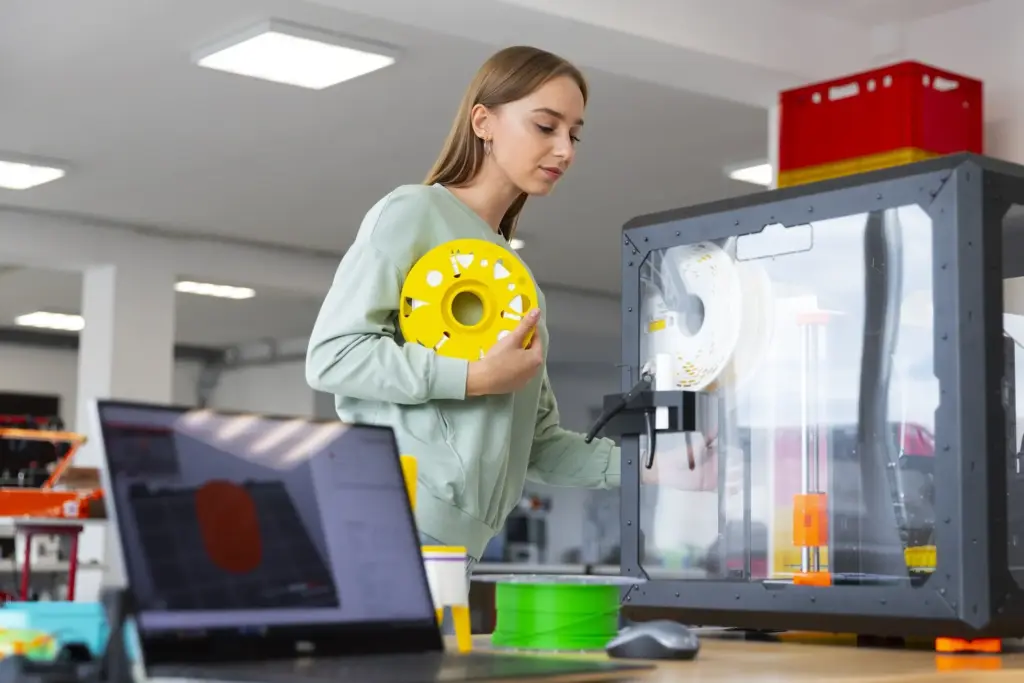
WIP insights collapse when updates feel punitive. Keep statuses simple, request photos instead of essays, and show how progress unlocks machine time or faster feedback. Visual boards and friendly nudges turn updates into a rhythm that honors creativity while keeping commitments visible.
Dashboards that Drive Action
Good dashboards help the next decision, not the next meeting. Track days on hand, aging WIP, reorder triggers, machine utilization, and class throughput. Share concise views on screens and mobile. Celebrate wins, highlight bottlenecks, and nudge timely maintenance before small annoyances become closures.
Pilot First, Then Broadcast
Choose one area, like the 3D print lab, and run the full loop for a month. Fix papercuts quickly. Share before and after photos and a tiny metric win. Success stories travel faster than mandates and gently attract peers to copy what works.
Champions and Clear Ownership
Identify champions for each zone and give them lightweight checklists. Recognize efforts publicly and invite ideas. Ownership turns compliance into pride. When champions rotate, leave checklists, labels, and SOPs ready, so the next person inherits clarity instead of reinventing processes during crunch time.
Training that Respects Volunteers
Offer short, repeatable micro‑lessons with real examples: scanning wood glue, checking in a drill, moving a print to review. Host open office hours. People contribute when learning feels kind and useful, leading to better data, smoother projects, and sustainable, joyful collaboration.